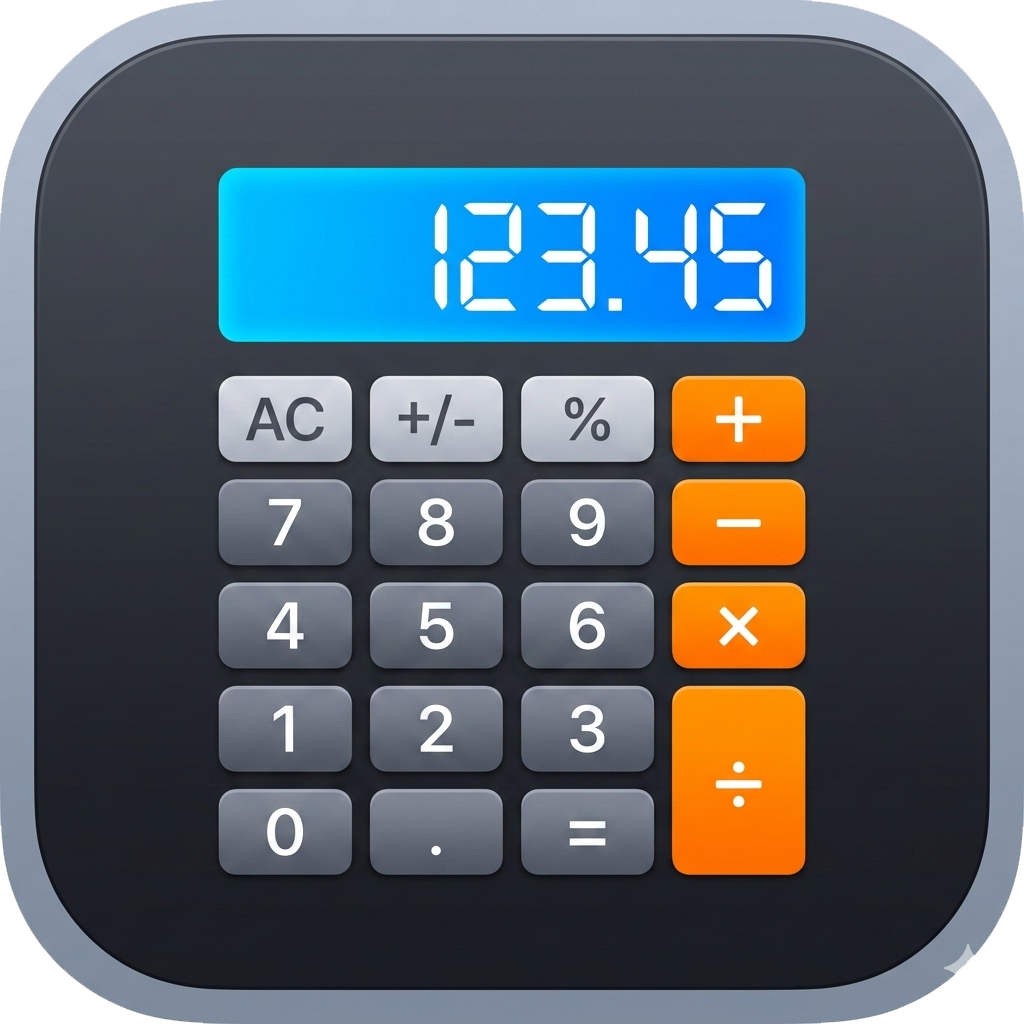
calc+ for iPhone
Secret photo vault & calculator lock app for iOS
calc+ is the best way to hide photos on iPhone. It disguises itself as a real, working calculator — so your secret photo vault is completely invisible to anyone who picks up your phone.
How to hide photos on iPhone with calc+
Install calc+, set your secret PIN, and import photos directly from your iPhone camera roll. Once imported, you can delete the originals from your Photos library — leaving no trace. Your photos live exclusively inside calc+‘s encrypted vault, protected by the same PIN you use to unlock it through the calculator.
Built for iPhone
- Face ID & Touch ID aware — calc+ integrates with iOS biometrics so only you can open the device in the first place
- No iCloud sync — your vault contents never leave your iPhone; no cloud uploads, no Apple backups of vault contents
- iOS Photos integration — import directly from your camera roll; originals can be deleted after import
- Screen recording prevention — iOS screen recording and screenshots are blocked while the vault is open
- Background lock — vault auto-locks when you switch apps or lock your screen
- Works on iPhone & iPad — native iOS app with full support for all modern devices
Military-grade encryption on your iPhone
Every file you store in calc+ is encrypted with AES-256-GCM before being written to your iPhone’s storage. Keys are derived using PBKDF2-SHA256 (100,000 iterations) with a unique salt per vault, and an app-level pepper is stored in your iPhone’s Secure Enclave — the same hardware-backed security chip that protects Face ID.
Completely offline
calc+ makes zero network requests. No account required, no server, no cloud. Your hidden photos never leave your iPhone.